
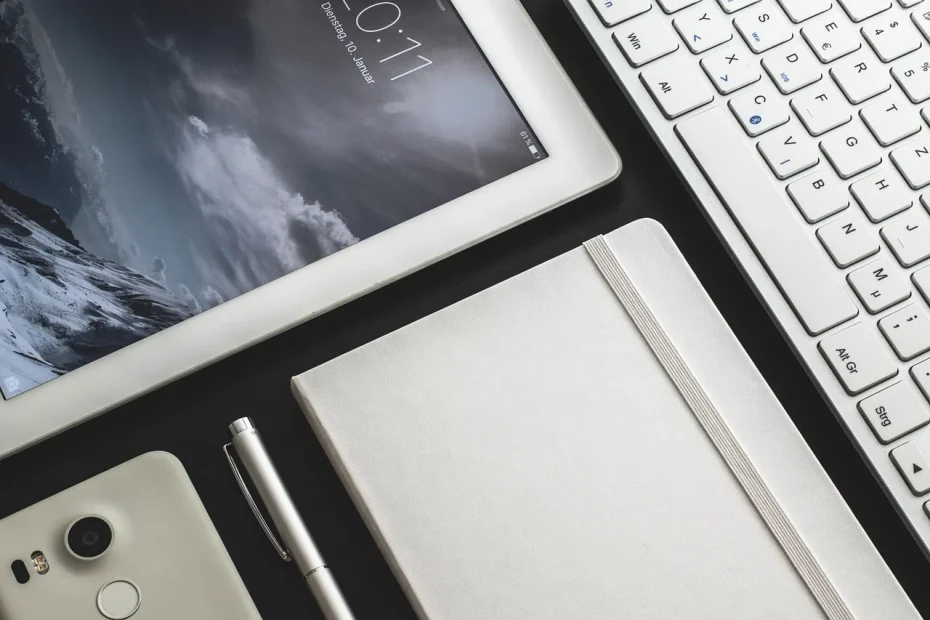
We test the mobile app designed by Ableton to capture musical ideas on iPad and iPhone. The goal: to show how to turn an idea into a workable sketch using sounds and effects from the desktop software.
Note runs on iOS 15 or later and is not available on Android. It includes instruments, an 8 × 8 Session View grid, and tools such as Capture MIDI, quantization and microphone recording (up to 60 seconds).
The workflow prioritizes speed: 16-pad and 25-pad grids, a piano roll, a sampler, automation and studio effects (Reverb, Delay, Chorus, Saturator, Redux, Phaser and Channel EQ). Ableton Cloud connects the app to the desktop software, while Link synchronizes tempo over a network.
Who is it for? Musicians on the go who want to capture an idea quickly on a phone or tablet before refining it on a computer. It is affordably priced on the App Store and integrates with Live 11.2.5.
To learn more and open projects created on iOS, see the official Note page.
Background and purpose: an app for capturing musical ideas on iPad and iPhone
Designed for moments of inspiration, the app turns a fragment into a workable project in just a few steps.
Its purpose: to provide a streamlined way to capture a spark of inspiration and turn it into something you can develop. The interface cuts unnecessary options to speed up creation.
From idea to track
The process is straightforward: create a pattern or melody, sample a sound with the microphone, arrange everything into clips and scenes, then send the project to the desktop software. This workflow emphasizes speed and clarity.
Compatibility and devices
The app runs on iOS 15 or later on iPhone and iPad. There is no Android version; the Apple ecosystem remains central.
Price and availability in France
Listed price: €6.99 on the App Store. Ableton Cloud automatically syncs up to five favorite Sets with Ableton Live (version 11.2.5). Cloud is included with the Live trial, so you can test the mobile-to-desktop workflow for free.
Key iPad features: instruments, effects, a sampler and essential editing tools
The app brings together the essential tools for turning an idea into a playable loop. Its main features are easy to reach through a clear touchscreen interface.
Start with a beat
The 16-pad grid makes finger drumming easy. Quantization corrects timing, while Note Repeat offers quick rhythmic subdivisions.
Drums: built-in Drum Sampler kits, layered sounds and a dedicated velocity pad for varying accents.
Start with a melody
Choose the 25-pad grid or piano roll. Set a scale to stay in key and adjust up to eight parameters per preset.
Two effects can be applied to instruments to shape sounds and enrich textures.
Sample your surroundings
The sampler records up to 60 seconds through the microphone. Trim, filter and repitch a recording to turn a raw sound into a playable instrument.
Editing and automation
Delete, move and quantize notes. Adjust velocity, transpose by semitones or octaves, and capture parameter changes with automation.

“Capture MIDI automatically detects the tempo and loop length, making it easier to layer ideas.”
| Element | Capabilities | Main use |
|---|---|---|
| Rhythm | 16 pads, quantization, note repetition | Finger drumming and quick patterns |
| Melody | 25 pads, piano roll, 8 parameters | Scale settings and presets |
| Sampler | 60 seconds, trimming, pitch adjustment, filters | Creating instruments from recordings |
| Editing and automation | Quantization, velocity, transposition | Animating and refining a clip |
Ableton Live for iPad: What you can really do with it every day
Session View becomes a sketchbook for trying ideas in real time.
Session View, loops and variations: ideas, clips, scenes and audio export
Eight tracks with up to eight clips each form an 8 × 8 grid. The Scene Launcher combines clips so you can explore song structures quickly.
Duplicating a loop lets you create variations without losing the original. You can isolate a segment, refine it, then return to the full loop. Direct audio export makes it easy to share your work immediately.
- Organize ideas into clips and scenes to test arrangements.
- Create variations by duplicating a loop and changing a few notes.
- Edit quickly: isolate a segment, correct its timing and velocity, then put it back.
- Work on the rhythm: align and vary drum patterns for transitions.
Live’s sound library and effects: Chorus-Ensemble, Delay, Phaser-Flanger, Redux, Reverb, Saturator and Channel EQ
The library contains presets, samples and kits for getting sounds straight away. Built-in instruments help you create melodic patterns without lengthy sound design sessions.
| Element | Use | Benefit |
|---|---|---|
| Reverb / Delay | Create space and depth | Atmosphere and transitions between scenes |
| Chorus / Phaser | Add width and movement | Richer sound textures |
| Saturator / Redux | Add color and grit | More presence and character |
| Channel EQ | Shape the frequency spectrum | A clearer mix |
Making music on the go: start on a phone or tablet, develop your ideas throughout the day, then send projects to the desktop software to finish them.
“A short session can become the foundation of a complete track.”
Integration and limitations: Cloud, Link and user opinions
Network synchronization and Cloud make Note a bridge to the desktop software.
With Ableton Cloud, up to five favorite Sets appear directly in Ableton Live’s browser (version 11.2.5 or the trial version).
The transition between devices works well: start a musical idea on a tablet, then open the same project on your computer to finish the arrangement and mix.
Ableton Link synchronizes tempo over the same local network. This is useful when playing with other iOS apps or compatible hardware.
“Automation is often praised as a standout feature: fluid and expressive.”
User feedback highlights the precision of MIDI editing and the simplicity of the interface, both of which support a productive workflow.
There are limitations, however: only eight clips per track, no AUv3 or MPE support, and no one-tap guitar audio recording without using the sampler.
In short, it is a quick way to sketch projects. Users who need advanced features will soon move to the desktop software.
Conclusion
The tool captures an idea and quickly turns it into sound. This app provides the essentials for getting started: pads, a piano roll, instruments and ready-to-use drum kits.
Sounds and effects inherited from the desktop software provide a versatile palette for sketching textures and atmospheres without a complicated setup. The sampler can record up to 60 seconds to create your own sounds.
To go further, export an audio file or send the Set to your computer through Cloud. See the page on managing Sets to configure synchronization and continue composing on your computer.