
Ableton Live is a leading software application for music production, known for its stability in the studio and on stage. This guide explains how avoiding an illegal copy can protect your ideas and your career.
Pirated software exposes your projects to file corruption, slowdowns and bugs at the worst possible moment, before a key track or a live performance. The technical risk comes on top of the legal risk and can cost you valuable time.
This buying guide helps you choose the right legal edition of Ableton Live (Intro, Standard or Suite) for your needs. It also introduces Push 3 and the benefits of the official ecosystem.
The goal is to protect your project and ensure access to updates, support and plug-in compatibility. We will compare the upfront cost with the hidden cost of piracy and offer practical recommendations for securing your projects and reducing loading times.
Understand your needs: avoid pirated versions and choose the right Ableton Live edition
A well-considered choice depends on how you work: are you a DJ, composer or live performer?
Choosing an edition starts with identifying your actual needs. Think about recording, performance, sound design and collaboration.
This page offers a practical approach to building a solid foundation. It puts creativity ahead of risky workarounds.
- Assess how you work: as a DJ, beatmaker, instrumentalist or live performer.
- Consider the size of your projects and how many effects and instruments you need.
- Look at affordable options: a 30-day trial, an Education discount and transferable secondhand licenses.
- Plan for upgrades: move from Intro to Standard, then to Suite, as your needs grow.
| Edition | Best for | Strengths | Relative cost |
|---|---|---|---|
| Intro | Beginners and small projects | Session View, Warp, simple interface | Low |
| Standard | Regular producers | More tracks and effects, a good balance | Medium |
| Suite | Sound designers and professionals | All instruments, Max for Live and packs | High |
Ultimately, buy according to your needs to keep your projects safe and sustainable. The right purchase today gives you a workflow that can last and grow with you.
Cracked versions of Ableton: why you should avoid them
Installing an illegal copy can turn a carefully prepared session into a series of technical surprises.
Technical risks
Instability, project corruption and loading times
Unofficial versions sometimes corrupt files and increase loading times. One user measured about 25 seconds with 5 instances of Guitar Rig 5, 50 seconds with 10 instances and 1 minute 45 seconds with 20 instances.
For a full set (70 GR5 instances, plus iZotope, Massive, Soundtoys and reverbs), loading can approach 10 minutes, with a real risk of a crash just before the show.
Security risks
Malware, bypassed activation and compromised plug-ins
Modified installers can contain Trojans or ransomware. Activation systems such as iLok are often bypassed, creating conflicts and slowing down the opening of important projects.
Liability, lack of support and credibility on stage
Software piracy can lead to legal action and leaves you without updates. Without fixes, compatibility with newer VSTs deteriorates.
“A crash during a live show can cost more than one concert: it can cost you credibility, hours of work and the audience’s trust.”
| Risk | Consequence | Practical impact |
|---|---|---|
| Instability | Corrupted projects | Lost sessions and lengthy recovery |
| Loading times | Long delays | Late starts or live crashes |
| Security | Malware or data leaks | Loss of access or ransom demands |
| Legal risk | Legal action and no support | Unexpected costs and disruption |
Conclusion: choose legal options to protect your projects, your reputation and your audience. This buying guide recommends avoiding all unofficial versions and using a stable, supported workflow.
How a crack can affect your live and studio work
A project that takes several minutes to open can break the momentum of a performance. In practice, one user reported waits of up to 10 minutes with 70 instances of Guitar Rig 5 and several third-party effects.
On stage in Session View: when a crash ruins a set
In Session View, a crash can interrupt a track while clips are being launched. The audience waits, the artist loses momentum and synchronization can break down.
Demanding plug-ins and effects racks: endless project loading
The more effects a project contains, the longer its loading time. This creates a domino effect: slowdowns, plug-in conflicts and difficult troubleshooting.
- Immediate risk: losing a track and your credibility on stage.
- Practical solution: freeze or render tracks to audio and simplify racks.
- Preparation: preload key elements and test offline, without a cloud connection.
“A long wait before a set increases the risk of a live failure.”
Conclusion: reliability matters more than the number of effects. An optimized project can save minutes and let you play your tracks on stage.
What a legal copy of Ableton Live offers today
Ableton Live combines two complementary views with powerful tools for creating and performing with confidence.
Two complementary views
Session View lets you launch clips and improvise live. It supports improvisation and variations during a performance.
Arrangement View lets you structure a track linearly for the final mix.
Warp and time stretching
Warp includes several algorithms (Beats, Tones, Texture, Re-Pitch, Complex and Complex Pro).
It aligns any audio file with the tempo, quantizes audio and lets you capture MIDI ideas from audio.
Push 3, Link and the live ecosystem
Push 3 can operate in standalone mode so you can perform without a computer. Link synchronizes devices and software over a local network.
Suite includes Max for Live to expand its instruments and effects, along with regular updates and support.
“Trying Suite for 30 days lets you test its audio tools, instruments and hardware integration before buying.”
Choose the right edition: Intro, Standard or Suite
Choosing the right edition directly affects your studio and stage work.
Live Intro is ideal for getting started: Session View, Warp and a stable foundation. It is limited to 16 tracks and offers few instruments. There is no Max for Live, so expansion options are more limited.
Standard: the best compromise
Standard suits about 80% of producers. It offers unlimited tracks, major effects and VST compatibility. It strikes a good balance between cost and features.
Suite: create without limits
Suite includes Max for Live, 17 built-in instruments and more than 70 GB of packs. It provides all the effects and instruments needed for advanced sound design and live performance.
Standard and third-party plug-ins
A lighter approach is to use Standard and add a few carefully chosen VSTs. This is practical if you already own sound libraries or external synthesizers.
- Live Lite: a starting point (8 tracks), often offered in promotions as a path to an upgrade.
- Upgrade path: move from Intro to Standard, then to Suite, according to your needs.
- Tip: try Suite during the 30-day trial before buying.
Legal, affordable ways to pay less
Trying the full Suite edition gives you a complete picture before you invest.
Ableton offers a free, unrestricted 30-day trial of Live Suite. Use it to test your tools, racks and plug-ins under real working conditions. It may be the best way to make an informed decision.
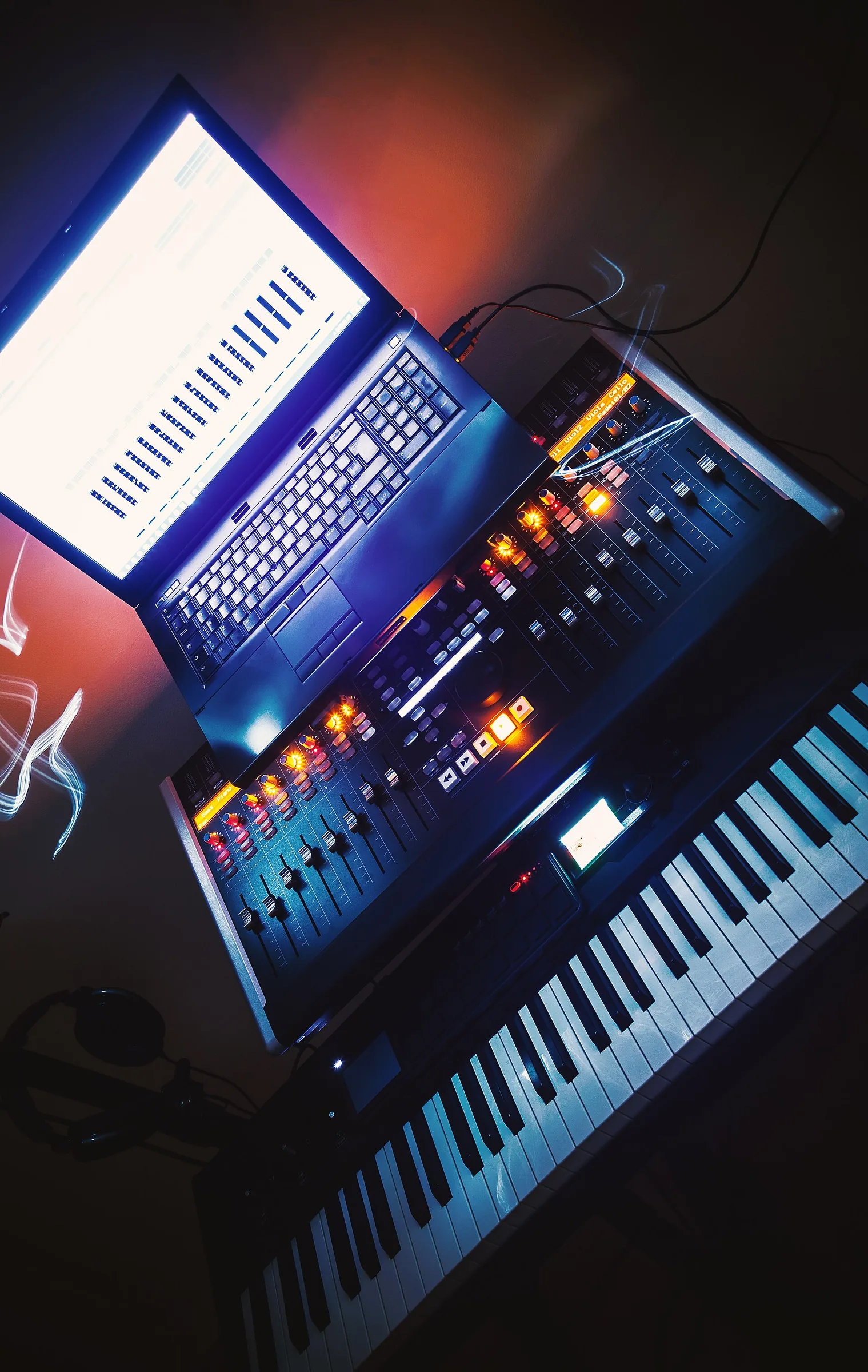
Students and teachers receive an Education discount of about 40%. This substantially lowers the purchase price and makes the software more accessible for learning.
There is also a legal market for secondhand licenses. Ableton allows official transfers through its support team, providing a reliable starting point for beginners.
- Start with the 30-day Suite trial.
- Use the Education discount if you qualify.
- Check the official transfer options when browsing specialist classifieds, such as Audiofanzine.
| Option | Benefit | Cost | Reliability |
|---|---|---|---|
| 30-day trial | Full test without a purchase | Free | 100% official |
| Education discount | Lower price for students and teachers | −40% | Ableton support |
| Secondhand license | Lower price than a new license | Varies | Verified through an official transfer |
These options provide legal, affordable access to music production software. They help you avoid the risks while staying within budget. To decide, read comparison articles and start by testing: you may be surprised by what you actually need.
Use cases: DJs, instrumentalists, live performers and beatmakers
Whether you are a DJ, instrumentalist, beatmaker or performer, your workflow differs, and Live can adapt to it.
DJ: Warp quickly aligns a track for smooth transitions. Session View lets you launch clips and manage the tempo live.
Instrumentalist: make a clean recording, then convert audio to MIDI to reharmonize or double a part with virtual instruments.
Live performer: Push lets you launch scenes, sequence music and control effects in real time on stage without a mouse.
Beatmaker: slicing samples across pads, quantizing audio and using creative effects racks speed up the construction of a track.
MIDI remains central: intuitive assignments, automation and precise effects control. The built-in instruments and effects cover about 90% of needs without leaving the ecosystem.
Artists such as Flume, Skrillex, James Blake and Deadmau5 demonstrate the tool’s versatility on different stages. To validate your setup, try Suite during the 30-day trial.
Finally, a stable foundation protects musicians’ reputations: choose a reliable installation rather than taking an unstable project on stage. For advice on transferring and opening projects live, read a useful discussion on Audiofanzine or explore the software alternatives listed on Antiloops.
Features that make a difference every day
Built-in tempo and sample management features reduce repetitive work and free up your creativity. They make production smoother, from a simple loop to a live set.
Warp, audio quantization and automatic tempo
Warp quickly corrects rhythmic timing and adapts a sample to the project tempo.
Audio quantization puts transients back in place in a few clicks. Insert a sample and it automatically syncs to the tempo, speeding up creation.
Collections, effects groups and macros
Color-coded collections let you label and instantly find effects, instruments and sounds. The built-in search helps you retrieve an idea as soon as you need it.
Effects groups can be saved and recalled by dragging and dropping. Macros provide 8 rotary controls to bring key parameters together and change a sound live.
Racks, slicing and practical tools
Instrument and effects racks stack, split and layer sounds on a single track. MPC-style slicing across pads and audio-to-MIDI conversion turn an idea into usable material in seconds.
Automatic fades on slices prevent digital clicks and preserve the flow of the session. Conclusion: these features speed up creation and reduce technical difficulties, unlike the obstacles caused by an unstable installation.
Performance and reliability: good practices for demanding projects
Preparing a demanding project means reducing risks before you step on stage. Good preparation lowers stress and improves the sound.
Freeze demanding tracks, then render them to audio to reduce CPU load and opening times. According to some reports, projects with 70 Guitar Rig 5 instances and several third-party plug-in suites can take about 10 minutes to open.
Optimize racks and demanding VSTs
Limit the number of active chains in a rack. Avoid stacking multiple effects unnecessarily.
Identify demanding VSTs (Guitar Rig, iZotope, Massive) and prioritize their use to avoid slowdowns.
Prepare a robust live set
- Preload essential projects and scenes before stepping on stage.
- Set latency and streamline sends and returns to leave some CPU capacity in reserve.
- Use a consolidated effects group and macros to make quick changes without opening 10 interfaces.
- Prepare backup stems for key sections in case a virtual instrument fails.
Opening the project before the show reduces delays, but a crash remains possible if the project is poorly optimized.
Quick checklist: check the overall tempo, routing, backups and controller setup. Limit demanding automation and favor audio renders that are ready to play.
Time savings and stability come from good practices as much as from choosing a legal, supported environment.
Leaving a cracked version: secure, migrate and future-proof your work
Moving to a legal installation starts with a complete backup of your projects and user library. This simple step prevents losses and makes it easier to roll back if something goes wrong.
Clean up the system and reinstall
Uninstall the old version, then remove remaining traces (preferences, cache and temporary folders). Next, install the official version and import your folders gradually.
Reopen projects carefully
Open projects one at a time. Check file integrity and restore paths to missing content if needed.
Check plug-ins, MIDI preferences and compatibility
Check that each plug-in is an official version and that its license is activated. If the venue lacks reliable Wi-Fi, avoid cloud-based activation, such as with iLok, and favor a local license.
- Document your VSTs, their versions, presets and racks before migrating.
- Keep MIDI preferences separate for different sets (one project for music, another for lighting) to avoid controller conflicts.
- Test audio and MIDI playback with a reference project.
- Prepare audio stems in case a plug-in is missing.
“A full rehearsal test lets you check the set’s stability from beginning to end.”
For practical advice on opening projects simultaneously during a live show, read this useful discussion: tip for opening two projects live.
In short: back up your work, clean the system, check each plug-in and organize your folders. This method supports lasting compatibility and a reliable working environment.
A five-step buying plan based on your actual needs
Buying wisely starts with defining exactly what you will need over the coming months.
-
Step 1 — Define how you will use it. Separate studio work from stage work and decide whether you are a DJ, beatmaker or instrumentalist. Write down exactly what you need: tracks, built-in instruments or live performance tools.
-
Step 2 — Try Suite for 30 days. Use the full trial to see whether Standard already meets your needs or Max for Live is essential.
-
Step 3 — Choose the edition. Standard suits 80% of cases. Choose Suite if you want every tool. Intro remains an option if your budget is tight.
-
Step 4 — Find an intermediate solution. Choose Standard and supplement it with a few targeted plug-ins. Consider a controller (Push 3, Novation) to navigate without a mouse or keyboard.
-
Step 5 — Optimize your budget. Use the Education discount, secondhand licenses or gradual upgrades. Prepare a representative test project (racks, instruments, clips) to compare the options objectively.
Final tip: tailor your choice to your way of working. If you are in no rush, a promotion may be a good way to save without compromising your workflow.
| Step | Action | Expected result |
|---|---|---|
| 1 | Define uses and needs | A clear view of what you will need over 6 to 12 months |
| 2 | Try Suite for 30 days | Check advanced features |
| 3 | Choose an edition | Standard: balance; Suite: complete package |
| 4 | Intermediate solution | Standard and targeted plug-ins |
| 5 | Optimize the budget | Lower costs and planned upgrades |
To explore your software choice further and compare other options, read our guide to the best DAWs. A structured buying plan reduces the risk of overspending or missing essential features.
Conclusion
Choosing an official installation protects your work, your time and your reputation on stage.
Ableton Live offers recognized reliability and versatility. Choosing the right software changes how you create: Intro for beginners, Standard for most users and Suite for the full set of tools, including Max for Live.
The real difference lies in updates, support and stability. Legal options can also lower the cost: a 30-day trial, an Education discount of about 40% or verified secondhand licenses.
Follow good practices (optimization, backups and testing) and move to a clean installation. To learn more, read our specialist articles, then create and perform with confidence thanks to the difference an official version makes on stage.