
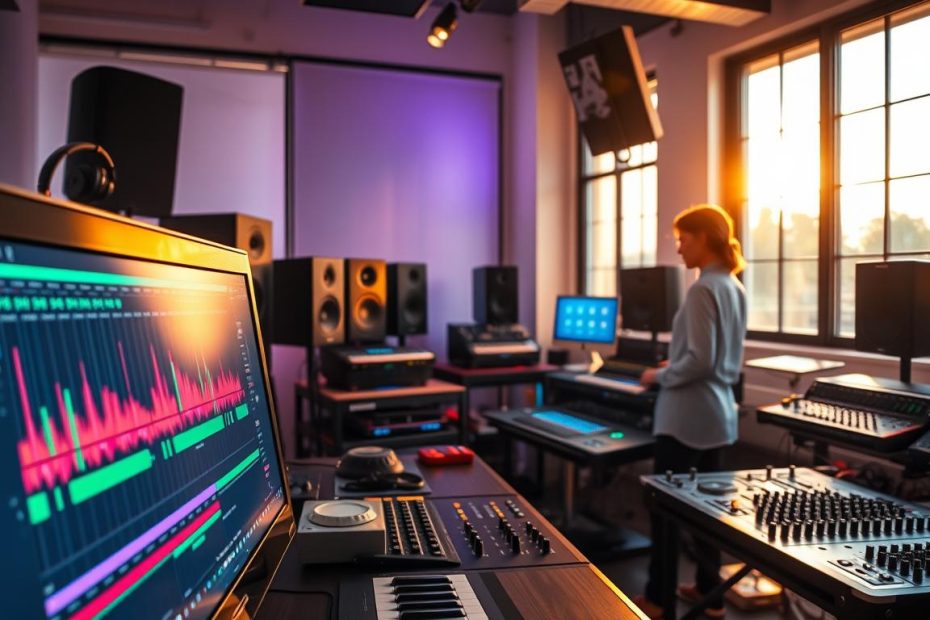
Goal: This guide shows you how to use a free website, then a professional tool, to learn the basics and quickly put them into practice in Ableton Live.
The website offers clear chapters, progressive lessons and a space to experiment directly in your browser.
Rhythm, melody and structure are illustrated with familiar examples. This helps you understand production without unnecessary jargon.
The method connects what you learn to the industry-standard software. You can then open a project in Ableton Live to arrange and export a track.
Aim: Replace scattered tutorials with a single, practical learning path. In just a few sessions, you can go from exploring the basics to sharing your first tracks.
Why Ableton’s Learning Music has become a go-to resource for production beginners
From Berlin, a platform has changed how beginners approach music production. Created by the company behind Ableton, the project provides a free, intuitive website for mastering the basics.
A free, intuitive website for learning the basics
The course guides you step by step through short, interactive lessons. You play sounds in your browser and immediately apply each concept.
That lowers the barriers: you do not need to install anything to try rhythms, basslines or pitches.
Familiar tracks to understand rhythm, melody and structure
The method uses well-known tracks by Daft Punk, Kraftwerk, Donna Summer, Joy Division and Robert Hood.
Analyzing these tracks helps you understand production choices and recreate practical patterns.
The power of Ableton Live: Session View, creation and performance
The Playground chapter lets you experiment, then export a project to Ableton Live. Session View encourages improvisation and helps you capture ideas.
This continuity turns an exercise into a finished creative project and connects your introduction to an industry-standard program in the world of production.
- Immediate, free access.
- Learning through practice.
- A smooth transition to the software when you are ready to go further.
| Benefit | Function | Result |
|---|---|---|
| Interactive interface | Try rhythms and basslines | Active learning |
| Famous examples | Track analysis | Practical reference points |
| Export to Live | Playground → software | A project ready to mix |
To install free software and keep practicing on a PC, see our selection: free software for PC.
Ableton Learning Music: Get the Most Out of Online Lessons
A well-prepared setup turns a trial run into a productive session.
Minimum preparation: A modern browser is enough to access the website and try the exercises. If you plan to export, install a program: Live Lite to get started or Live 10 Standard to open the example projects.
Work through the chapters step by step
Start with the introductory lessons and follow the chapters in order. Alternate between focused listening, hands-on work and guided recreation to reinforce the basics.
Recreate a track and make it your own
Recreate a simple bassline, add the melody and follow the original structure. Then introduce your own variations to develop your skills.
Playground and transfer to the software
Use the Playground to put ideas together, then export them to Ableton Live. Import the exported elements, organize the tracks and use Session View to capture your best takes.
Good practices for efficient work
- Use quantization sparingly and manage MIDI velocities.
- Use consistent names and colors to keep your projects organized.
- Manage levels simply, apply corrective EQ and use light compression.
- Create a session template, save racks and map controls.
| Stage | Action | Result |
|---|---|---|
| Preparation | Browser + Live Lite or Live 10 | A smooth start |
| Learning | Lessons completed in order | Solid foundations |
| Practice | Recreate a track | Applied understanding |
| Production | Export from Playground to Live | A project ready to mix |
For structured guidance, consider one-to-one lessons with a certified instructor through Ableton Live training.
Tools, versions and resources to make faster progress
A clear choice of versions and tools helps you save time. Start with Live Lite to put the browser lessons and Playground into practice. Move to Live 10 Standard if you need to open the example projects.
Choose the right version and organize your sessions
Plan sessions of 45 to 60 minutes. Alternate between theory and practice. Set one simple goal for each session.
Go further: mentors, training and funding
Lessons with a certified instructor can help you learn the basics faster. A mentor provides individual guidance and targeted feedback.
- Useful tools: session templates, effect racks and sound packs.
- Practice routine: a rhythm warm-up, focused technique work, a mini-project and a recap.
- Funding: CPF, AFDAS, AIF, AGEFICE and FIFPL may cover training costs.
| Need | Recommended version | Tools |
|---|---|---|
| Getting started | Live Lite | Playground, session templates |
| Opening projects | Live 10 Standard | Racks, sound packs |
| Guidance | Certified training | Mentor, learning support |
Tip: Export your experiments from Playground to Ableton Live to turn each exercise into a practical project.
Conclusion
In short, make each session a small, practical project. The Learning Music website offers chapters and a Playground that make it easy to start practicing right away.
Put this method to work: spend a few minutes each day on the browser exercises, then build on what you have learned in a program. Recreate a track step by step, refine the bassline and structure, then make it your own.
Be methodical: take small steps, save session templates, record your progress and ask for feedback. Regular practice, ideally 20 minutes a day, will help these habits stick.
Continue the learning path by exporting your Playground work to the software. Plan for four to six weeks, making one short track each week. For structured support, choose a certified course and make use of available funding.
Final goal: turn learning into practical results, publish your first tracks and refine them to gain confidence in your musical creativity.