
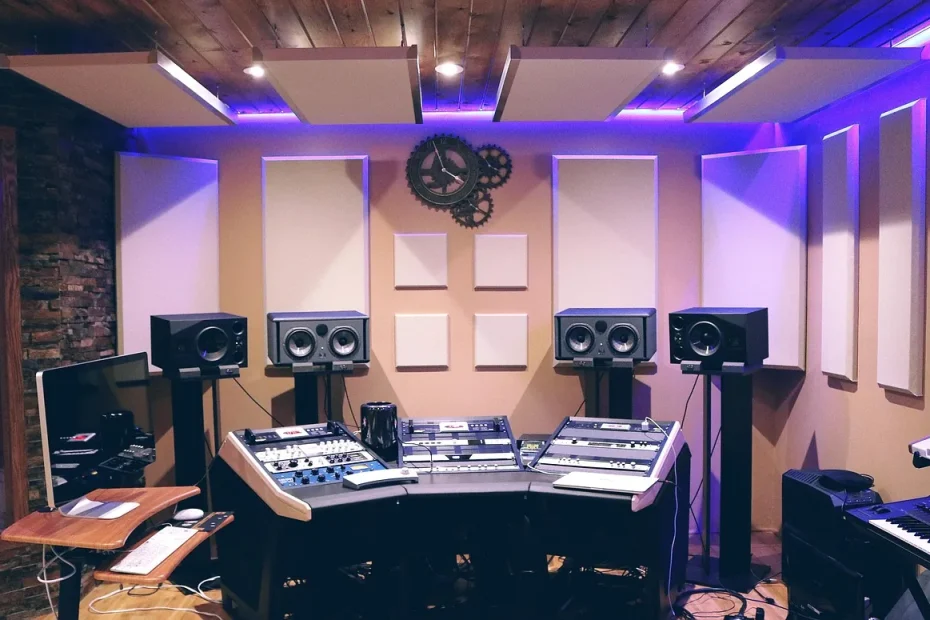
In 2024, many free programs for making music are available. They suit all skill levels. These include GarageBand, Qtractor, LMMS, Audacity, Ardour, DarkWave Studio and Hydrogen.
These programs offer professional features. You can produce electronic music, mix audio tracks or make beats. It is important to choose the software that best meets your needs.
Free software suits beginners and professionals alike. It lets you make music without spending much money. You can find advice about the best free software on sites such as free music-making software.
Free online music studios and platforms for making music for free are also very popular. They let you make music anywhere, at any time. With these tools, you can make quality music without spending much money.
Why choose free music-making software?
Free music-making software is flexible and easy to use. It lets you produce quality music at no cost. That makes it ideal for beginners.
There are many benefits to free options. They give you access to basic tools for recording, producing and mixing music. Programs such as Audacity, GarageBand and Waveform Free are great starting points.
Essential features to look for
When choosing free software, examine its features carefully. Look for support for multiple tracks, audio effects and virtual instruments. Programs such as Ableton Live Lite, Pro Tools First and Cubase LE offer these options, though with some limitations.
The difference between free and paid versions
Free versions have limitations compared with paid versions. They offer fewer tracks, audio effects and virtual instruments. Even so, they remain very useful for beginners.
In conclusion, free software is a good option for beginners. It offers the benefits of free options and the essential features needed to make quality music at no cost. You should, however, understand how free versions differ from paid ones.
The best free music-making software for computers
Music-making software for computers offers many tools for producing quality music. Audacity, GarageBand and Ardour are among the best free options for making music on a computer.
Here are some of the most popular programs for making music on a computer:
- Audacity: free, open-source software for audio recording and mixing
- GarageBand: music-making software for Mac with a range of instruments and effects
- Ardour: music-making software for Linux and Mac with advanced recording and mixing features
Online tools such as Soundtrap and Soundation also let you make music for free. They offer various tools, including virtual instruments and audio effects.
In short, there is a wide variety of music-making software for computers. These programs let you make quality music for free. It is important to choose software that suits your needs and skills.
| Software | Platform | Features |
|---|---|---|
| Audacity | Windows, Mac, Linux | Audio recording and mixing, audio effects |
| GarageBand | Mac | Music creation, audio recording and mixing, virtual instruments |
| Ardour | Linux, Mac | Audio recording and mixing, audio effects, advanced features |
Online music-making platforms
Online music-making platforms offer great flexibility. They provide powerful tools for musicians and producers. You can create and mix music without installing large programs.
Online collaboration tools let people work together, even from a distance. This is very useful for musicians who want to collaborate with other artists.
Platforms such as SoundBridge and Vidnoz have libraries of free sounds. They help musicians complete their projects. With these tools, you can create, mix and share your music.
The benefits of online music-making platforms
Online music-making platforms have many advantages. They let you create music without installing large programs, collaborate in real time and access libraries of free sounds.
Platforms such as Amped Studio, Suno AI and Loudly let you create royalty-free music quickly. They are suited to various digital platforms.
Here are a few examples of online music-making platforms:
- Amped Studio: music production software for beginners and experienced musicians
- Suno AI: uses AI techniques to create original songs from scratch
- Loudly: generates royalty-free music in seconds
- Splice Studio: offers a large sample library and cloud-based online collaboration

In short, online music-making platforms offer musicians and producers great flexibility and powerful tools. Virtual studios, online collaboration tools and libraries of free sounds are among their main advantages.
| Platform | Benefits | Features |
|---|---|---|
| Amped Studio | Music production, online collaboration | Music creation, mixing, editing |
| Suno AI | Original music generation, AI | Song creation, editing |
| Loudly | Fast generation of royalty-free music | Music creation, editing, distribution |
Software designed for making beats
Beat-making software is essential for music producers. It helps them create quality rhythms and melodies. LMMS and Hydrogen are among the most popular programs for making beats for free.
Beat-making software helps you create custom rhythms and melodies. It offers an easy-to-use interface and advanced music production tools. Users can choose from a wide range of sounds and instruments to create original beats.
Here are some of the most popular beat-making programs:
- LMMS: free software for creating rhythms and melodies
- Hydrogen: beat-making software for music producers
- MPC Beats: beat-making software for experienced producers
With these programs, you can make beats for free. Users can create quality rhythms and melodies without paying a licence fee. These programs are an excellent choice for anyone who wants to make quality beats without spending much money.
In conclusion, beat-making software is essential for music producers. It offers many features for creating quality rhythms and melodies. Users can choose from several programs to make quality beats for free.
| Software | Features | Price |
|---|---|---|
| LMMS | Creating rhythms and melodies | Free |
| Hydrogen | Making beats for music producers | Free |
| MPC Beats | Making beats for experienced producers | Paid |
Complete recording and mixing solutions
Musicians and producers look for ways to record and mix quality music. Multitrack recording software is essential for this.
Complete recording solutions offer essential features, including multitrack recording, audio mixing and free plugins. Audacity and Ardour are examples of multitrack recording software. They provide advanced tools for making music.
Multitrack recording software
These programs let you record several audio tracks at once, which is essential for making quality music. They also offer mixing tools for adjusting levels and equalization, among other things.
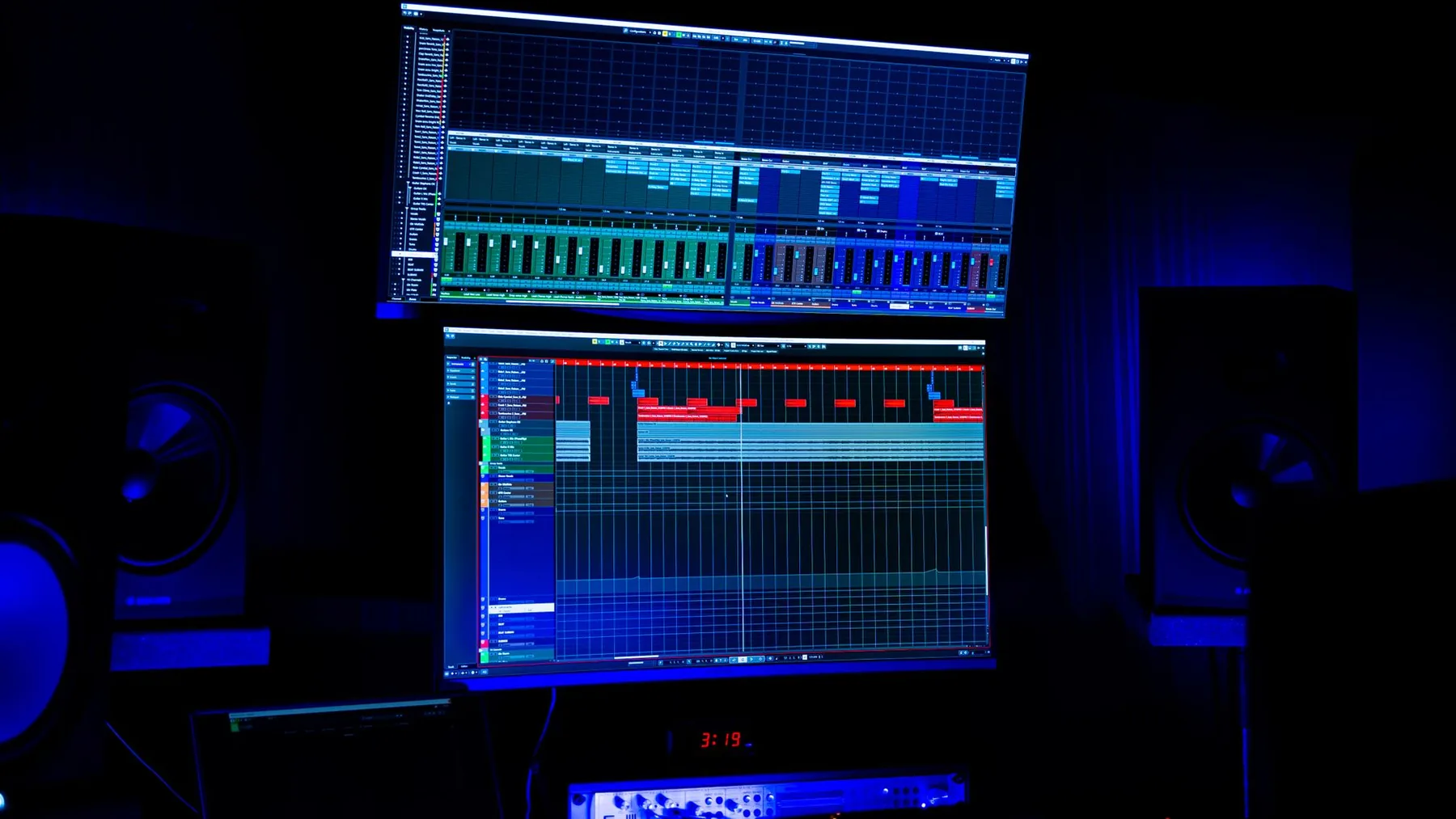
Audio mixing tools
Audio mixing tools are essential to music quality. Free plugins, such as reverb effects, improve sound quality.
Visit these specialist websites to learn more. You will find the best software for electronic music there, including recording and mixing tools.
| Software | Features | Price |
|---|---|---|
| Audacity | Multitrack recording, audio mixing | Free |
| Ardour | Multitrack recording, audio mixing | Paid |
Free mobile apps for composing on the go
Free mobile apps are valuable tools for musicians. They let you make quality music anywhere. GarageBand and SoundBridge are among the most widely used tools.
They offer features such as multitrack recording and audio effects. Users can play virtual instruments, making music creation easy and accessible.
Free mobile apps for composing music are ideal for making music on a mobile device wherever you are. Beatmaker 3, Cubasis and iMPC are among the best.
They offer advanced features. Users can record multiple tracks and add effects, which helps them make quality music.
Here are some of the best free mobile apps for composing music on the go:
- GarageBand
- SoundBridge
- Beatmaker 3
- Cubasis
- iMPC
With these apps, musicians can make quality music anywhere without needing a professional studio. They are an excellent option for making music without limits.
Tips for getting started with your music software
A few tips can help you start making music. A good recommended setup is important for success. You can find tips on sites such as Antiloops.
Here are a few steps to get started:
- Choose software that suits your needs and skill level.
- Set up your software according to the developer’s recommendations.
- Learn the basics of music, including composition, recording and mixing.
Practice and experimentation are essential for improving. Remember to save your files regularly.

By following these tips and setting up your software properly, you can make quality music and achieve your musical goals.
Conclusion
There are many ways to make music for free. Whether you are a beginner or an expert, you can find software that suits your needs. From programs such as GarageBand and Cakewalk to specialized apps, there are many possibilities.
Try different apps to find one you like. With practice, you will improve your musical skills and be able to make quality music without spending money.