
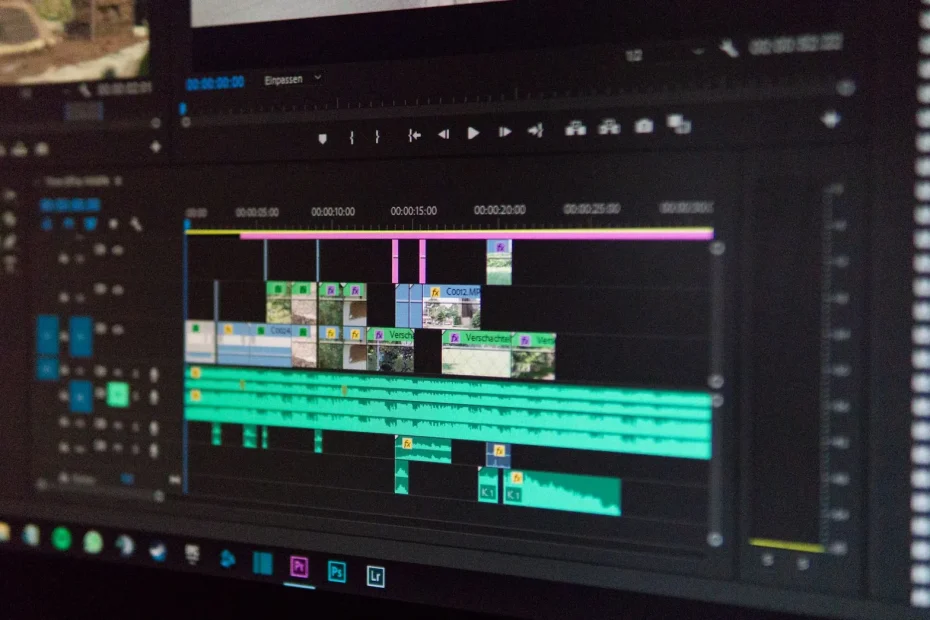
Software for cutting and editing music is essential. It helps professionals and hobbyists create audio files with ease. With an audio editor, you can modify audio tracks to create unique sounds.
Using electronic music production software lets you make beats. Programs such as MyEdit, PowerDirector and AudioDirector offer advanced audio editing options.
Key features include precise cutting and sound effects. You can also manage multiple tracks. These tools help you create professional sounds and share them.
The fundamentals of digital audio editing
Digital audio editing requires specialized tools. These include music cutting tools, sound editing apps and mixing programs. They help combine multiple audio files and soundtracks.
Programs such as Audacity, Adobe Audition and GarageBand offer many features. They let you import soundtracks, create new audio files and mix tracks. It is essential to know common audio formats such as WAV, MP3 and FLAC.
Understanding common audio formats
Audio formats vary in quality and file size. Choosing the right format is essential for your project. WAV offers high quality, but its files are larger. MP3 files are smaller and easier to share.
The basics of sound editing
Sound editing involves improving audio files. You can remove noise, adjust pitch and add effects. Music cutting tools and editing apps are essential for these tasks.
To learn more about setting up an electronic music studio, visit Antiloops. You will find tips and advice for musicians and producers there.
Why use specialized software
Specialized software offers advanced audio editing features. It lets you make complex edits, fix mistakes and create unique sounds. Music cutting tools and editing apps are essential for producing quality audio.
| Software | Features |
|---|---|
| Audacity | Importing soundtracks, editing audio files, mixing audio tracks |
| Adobe Audition | Editing audio files, mixing audio tracks, correcting pitch |
| GarageBand | Importing soundtracks, editing audio files, mixing audio tracks |
Discover the best software for cutting and editing music easily
Looking for software to cut and edit music? You are in the right place. A virtual recording studio is very useful for this. There are many audio post-production programs: choose the one that suits you.
An audio editor is essential for musicians and producers. It helps you cut, edit and mix audio tracks. You can also add sound effects with audio post-production software.
Here are the features to look for in a program:
- Intuitive interface
- Precise audio cutter
- Filtering and sound effects options
- Multitrack management
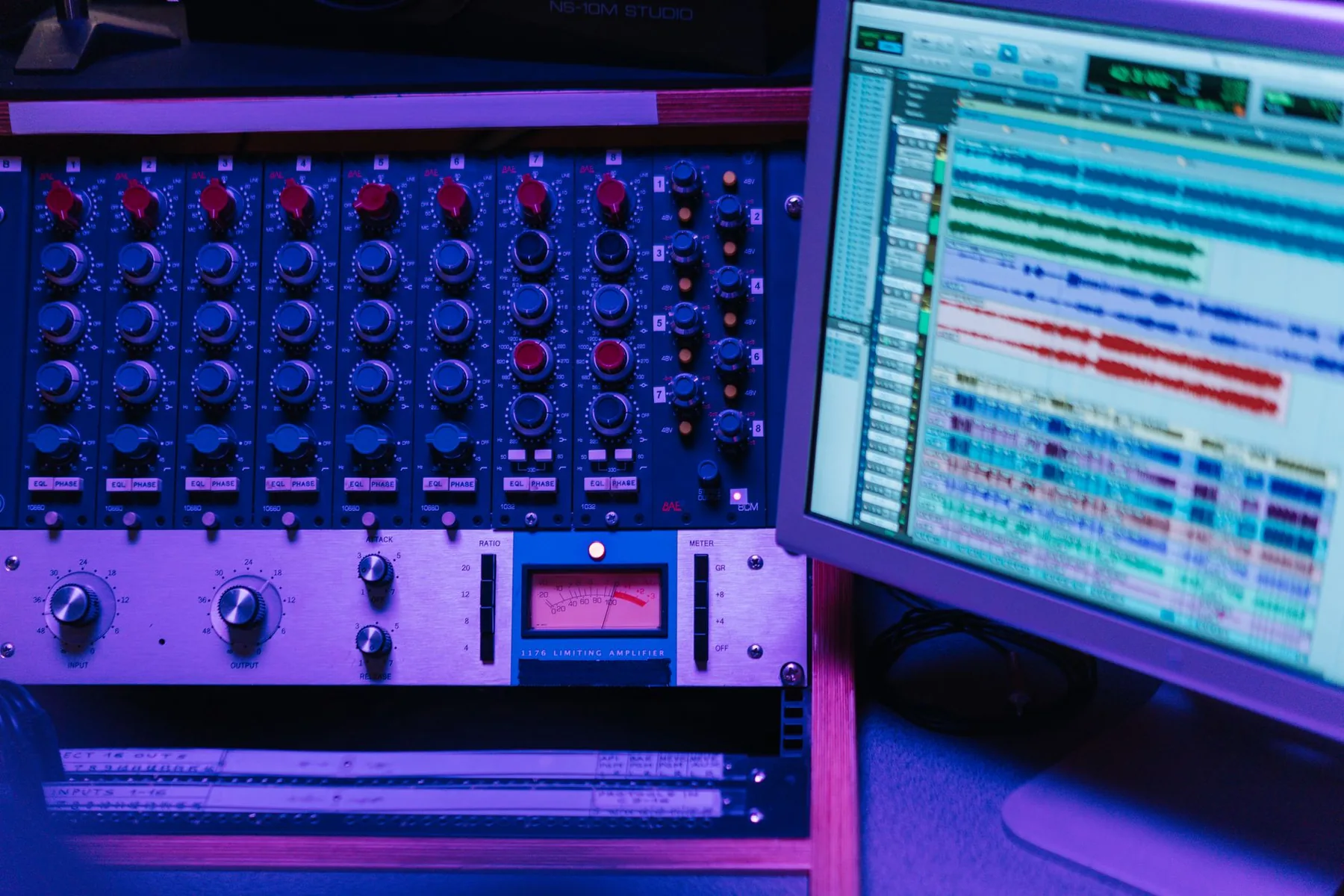
In conclusion, choosing the right software is essential for quality results. By considering the key features and selecting a program that suits you, you can create professional recordings and improve your productivity.
| Software | Features | Price |
|---|---|---|
| MyEdit | Audio cutter, filtering and sound effects options | Free |
| Filmora | Intuitive interface, multitrack management | Paid |
Essential features for music editing
Audio editing software offers many features for editing music. For example, PowerDirector and Adobe Audition let you cut music precisely. You can also add sound effects and manage multiple audio tracks.
A music cutting tool is essential for joining pieces of music seamlessly. Filtering and sound effects options let you customize the sound and create unique atmospheres. Managing multiple audio tracks is also important for complex music projects.
Apps such as GarageBand and Logic Pro offer advanced music editing features. They let you create complex music projects, mix them and export them in various audio formats. Users can even try the software for free before buying it.
In short, music editing requires precise cutting tools, filtering and sound effects options, and multitrack management. Programs such as PowerDirector, Adobe Audition and GarageBand provide these tools. They help you create quality music projects.
A practical guide to audio editing for beginners
To get started with audio editing, choose a suitable audio editor. Programs such as Audacity, Adobe Audition and GarageBand work well. They let you import or record soundtracks, write text and mix tracks.
A music cutting tool such as MyEdit is also useful for creating music. It is important to understand that audio editing programs offer different features. WavePad improves recording quality with effects. Reaper lets you play virtual instruments.
You can download these programs from app download sites. Then you can explore their features.
Here are some key steps in making an audio edit:
- Importing or recording soundtracks
- Editing audio files
- Mixing audio tracks
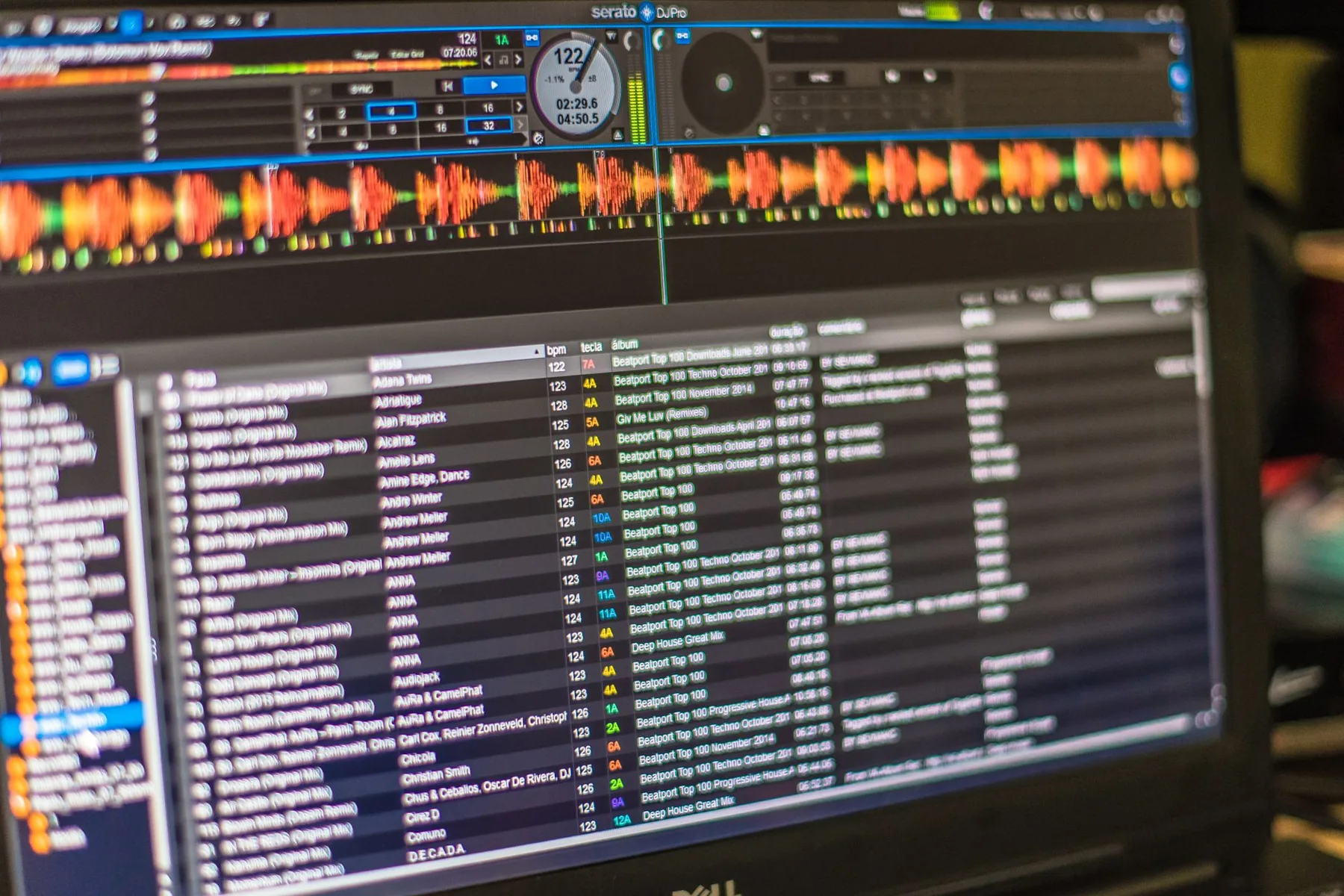
By following these steps and using the right music cutting tools and audio editing programs, you can create high-quality audio edits and complete your music projects.
Optimizing your music projects
To improve your music projects, audio post-production software is essential. A virtual recording studio is also very useful. An audio editor can give your recordings a more professional sound.
Here are some tips for improving your music projects:
- Use audio post-production software to improve the quality of your recordings
- Set up a virtual recording studio for more flexibility when recording
- Use an audio editor to edit and improve your music
By following these tips, you can create quality music. Choose software and tools that match your needs and skill level.
| Software | Features | Price |
|---|---|---|
| MyEdit | Precise cutting, filtering and sound effects options | Free |
| PowerDirector | Editing multiple MIDI objects, Spectrum Visualizer 2 | $139.99 |
| AudioDirector | Multitrack management, advanced audio editor | $74.34 |
Conclusion: unleash your musical creativity
With the many tools and programs for cutting and editing music easily available today, you have everything you need to bring your musical ideas to life. Whether you are a beginner or an experienced producer, there are audio editors suited to your skill level and needs. Apps such as Studio Amped, Waveform Free and Apple GarageBand offer an intuitive interface and powerful features for editing the audio in your creations.
Explore different options until you find the audio editing software that suits you best. With a little practice and creativity, you can produce unique tracks and share them with the world. So let your inspiration flow and start creating the music of your dreams today!